News Cyber Attacks
LiteLLM hijacked: poisoned PyPI and Docker release planted credential-stealing malware in popular AI gateway
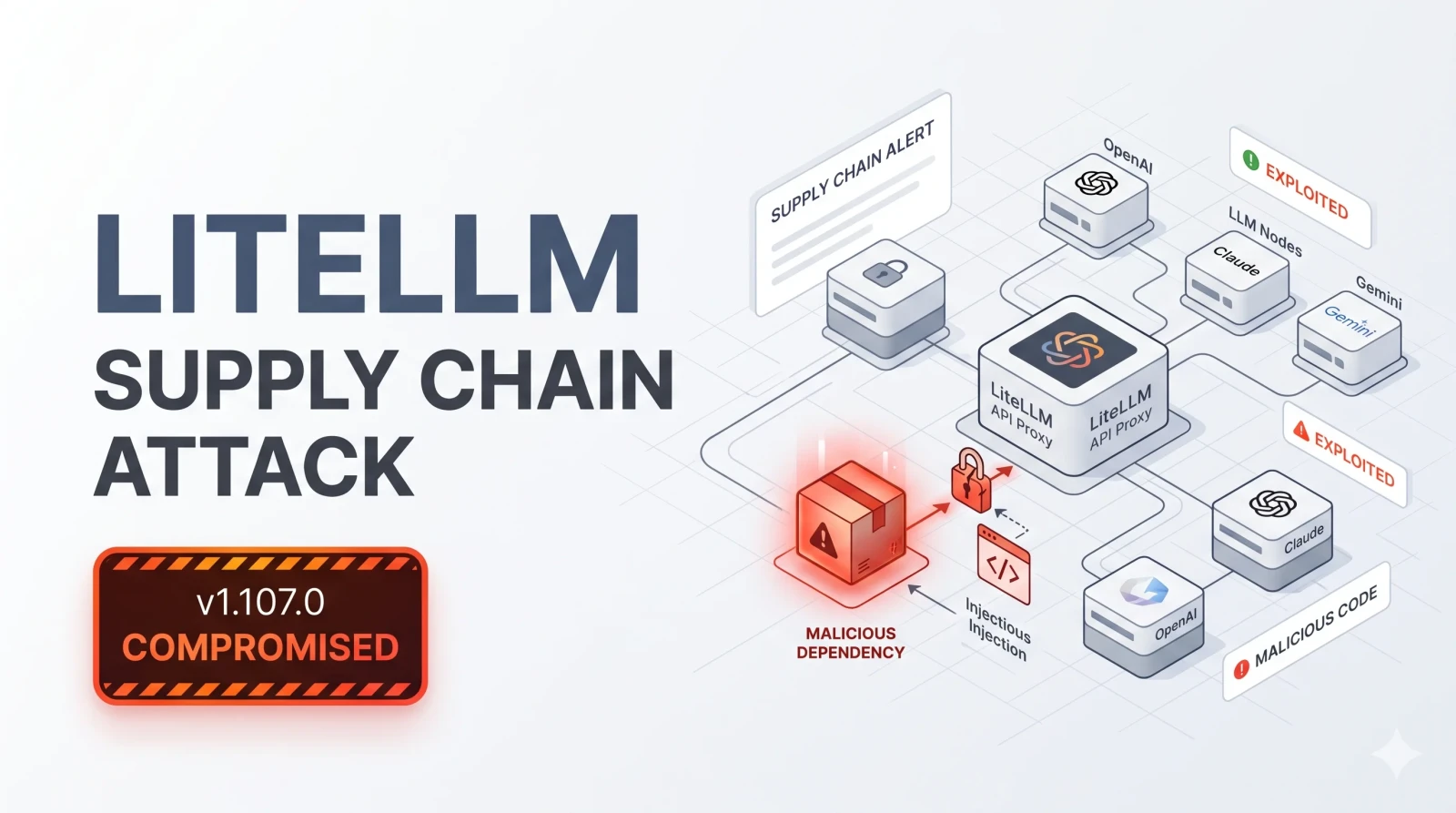
Attackers used stolen GitHub tokens to publish a malicious LiteLLM 1.107.0 to PyPI and Docker on 21 October 2026. The malware steals cloud credentials, AI provider API keys and secrets, and LiteLLM says anyone who ran it should assume data was taken.
Key takeaways
- A malicious LiteLLM 1.107.0 was published to PyPI and Docker on 21 October 2026.
- LiteLLM says attackers used three engineers' GitHub accounts, apparently via stolen GitHub CLI OAuth tokens.
- The malware steals cloud credentials, AI provider keys, SSH keys and the proxy's database secrets.
- Wiz saw stolen credentials being abused within about four and a half hours.
- Pin to 1.106.2, rebuild from scratch and rotate every credential the host could reach.
LiteLLM, a widely used open-source gateway for calling AI models from many providers, was hit by a supply chain attack on 21 October 2026. Attackers published a malicious version 1.107.0 to PyPI and pushed compromised Docker images, according to LiteLLM's incident report.
How long were the malicious packages live? #
| Artifact | Exposure window (UTC, 21 October) |
|---|---|
PyPI litellm==1.107.0 (all seven wheels) |
11:39 to about 13:23 |
Docker Hub tags v1.107.0, latest, main-latest, main-stable |
11:46 to 14:20 |
| GHCR equivalents | 11:46 to 13:51 |
LiteLLM says the official GitHub v1.107.0 source tag did not contain the malicious files, because the artifacts were built from an attacker-controlled repository. Enterprise customers using its private registry were not affected.
How did attackers get in? #
LiteLLM says three engineers' GitHub accounts were used, which "appear[s] to be" the result of stolen GitHub CLI OAuth tokens. One account changed the release workflow, another approved the production release, and a third deleted workflow records to hinder the investigation. LiteLLM says it has not yet found how the tokens were obtained.
What does the malware do? #
The package drops cook.pth, cook.py and sitecustomize.py into Python's site-packages, so the malware runs every time Python starts. According to Wiz, it steals:
- AWS, Google Cloud and Azure credentials
- AI provider API keys
- SSH and GPG keys, browser data and shell history
- The LiteLLM proxy's stored database credentials
Wiz says the data was encrypted and sent to a lookalike domain, litellm[.]dev, and that it saw stolen credentials being used about four and a half hours after exfiltration. LiteLLM says the package also runs a detached Python daemon with remote code execution capability.
What should LiteLLM users do? #
- Check whether
pip show litellmreports 1.107.0, or whether you pulled any of the affected Docker tags during the windows above. - Do not run
pip installfirst in an affected environment, because Python startup re-runs the malware. Deletecook.pth,cook.py,sitecustomize.pyand matching.pycfiles, and kill the daemon holding/tmp/remote_code_loader.lock. - Rebuild environments and images from scratch, pinned to
litellm==1.106.2or another version published before the incident. - If 1.107.0 ran on a host with internet access, assume data was stolen. Rotate the host's cloud IAM role, every provider key stored in the LiteLLM proxy, master and virtual keys, the
DATABASE_URLpassword and any secret in the host's environment. - Check cloud logs, such as AWS CloudTrail, for
GetCallerIdentitycalls around install time and for use of those credentials from outside your infrastructure.
Sources
Questions this raises
- Which LiteLLM version is malicious?
- Version 1.107.0 on PyPI, plus Docker tags v1.107.0, latest, main-latest and main-stable during the exposure windows on 21 October 2026.
- Which version is safe?
- LiteLLM says to pin to 1.106.2 or any explicit version published before the incident, and rebuild from scratch.
- Is upgrading enough?
- No. If 1.107.0 ran with internet access, LiteLLM says to assume data was stolen and rotate all reachable credentials.
Supply Chain SecurityAI SecurityArtificial IntelligenceMalwareCredential TheftOpen Source SecurityContainer SecurityLiteLLMPyPI